
Updates
How the Smart Safe Client is updated.
The Smart Safe Client updates itself. There is no need to go to the computer to install a new version.
How it works
The Smart Safe Client checks for new versions when it shows the login screen, and then every 3 hours.
If there is a new version, it downloads it in the background. While downloading, it shows Downloading version… with the percentage. If an operation is in progress, it does not interrupt it.
When the download finishes, Update ready to install appears on the login screen, with what is new in the version. Tap Install now.
Before installing, the Smart Safe Client saves a copy of its data. Then it closes, updates and opens again on its own.
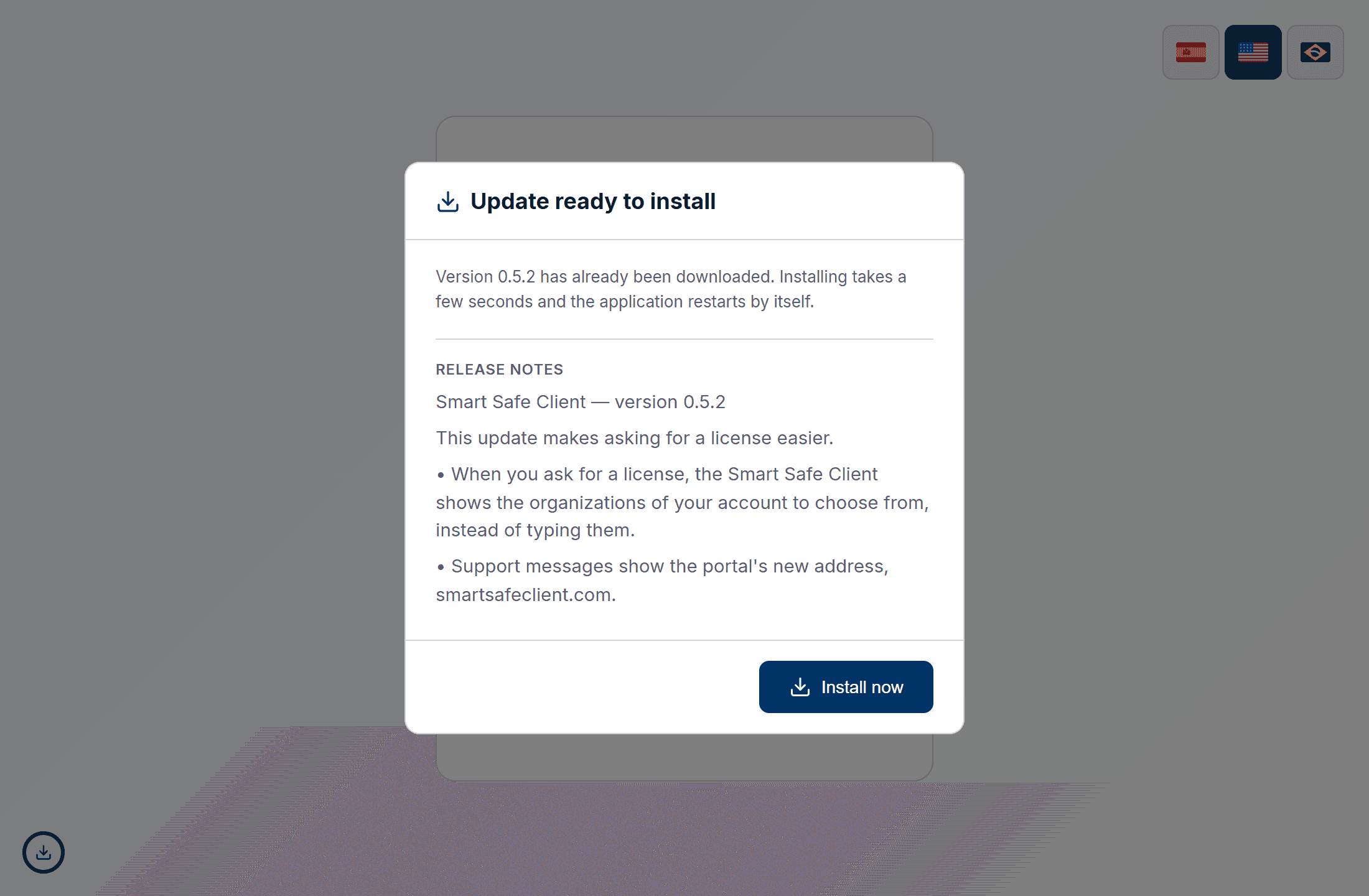
If someone has a session open, the update waits: it installs at the login screen, after that person logs out.
Without a connection to GLORY's server
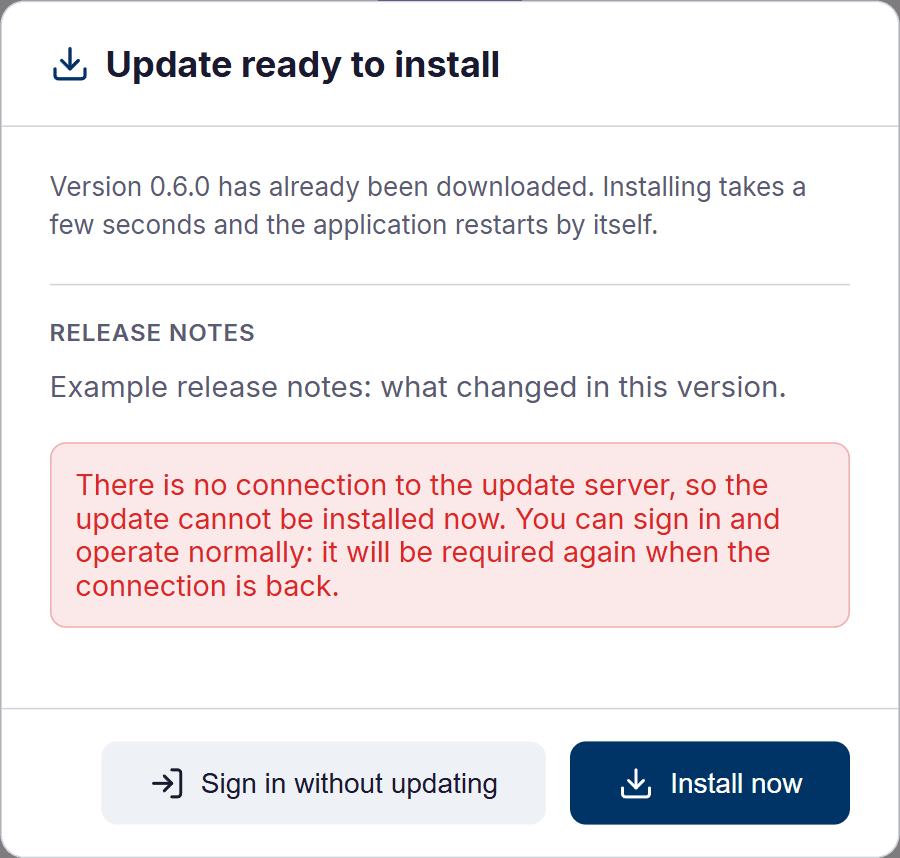
Installing asks GLORY's server once more. If the computer lost its connection after the download, the update cannot be installed, and the window says There is no connection to the update server, so the update cannot be installed now…, with a second button: Sign in without updating. Tap it, sign in and operate normally. The downloaded update stays on the computer, and the window comes back at the login screen when the connection returns. While GLORY's server answers, the update cannot be postponed.
Check manually
In Settings › Version, tap Check for Updates.
What changed in each version
See the release notes