
Inventory and maintenance
Seeing what the DE-70 holds, keeping it working, and counting notes without depositing them.
Inventory
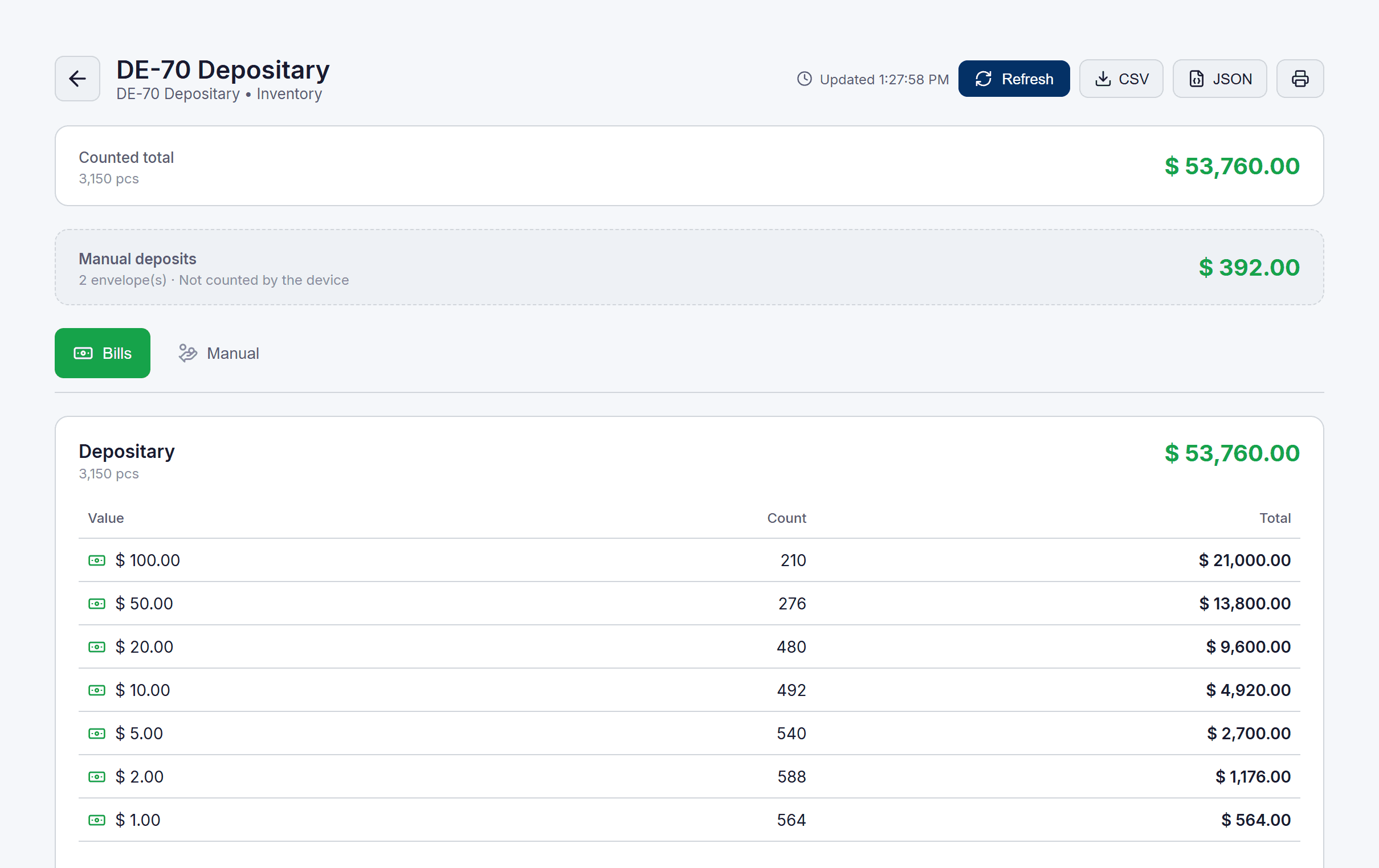
The Inventory screen shows what the DE-70 holds right now. It is only for looking: it does not change anything.
- Counted total: the notes stored, with the number of pieces.
- Manual deposits: the envelopes, "Not counted by the device".
- The Bills and Manual tabs list each value with Count and Total.
Refresh reads the DE-70 again. CSV and JSON save the inventory to a file; the printer button prints it.
Maintenance
For the technician and the manager. It has:
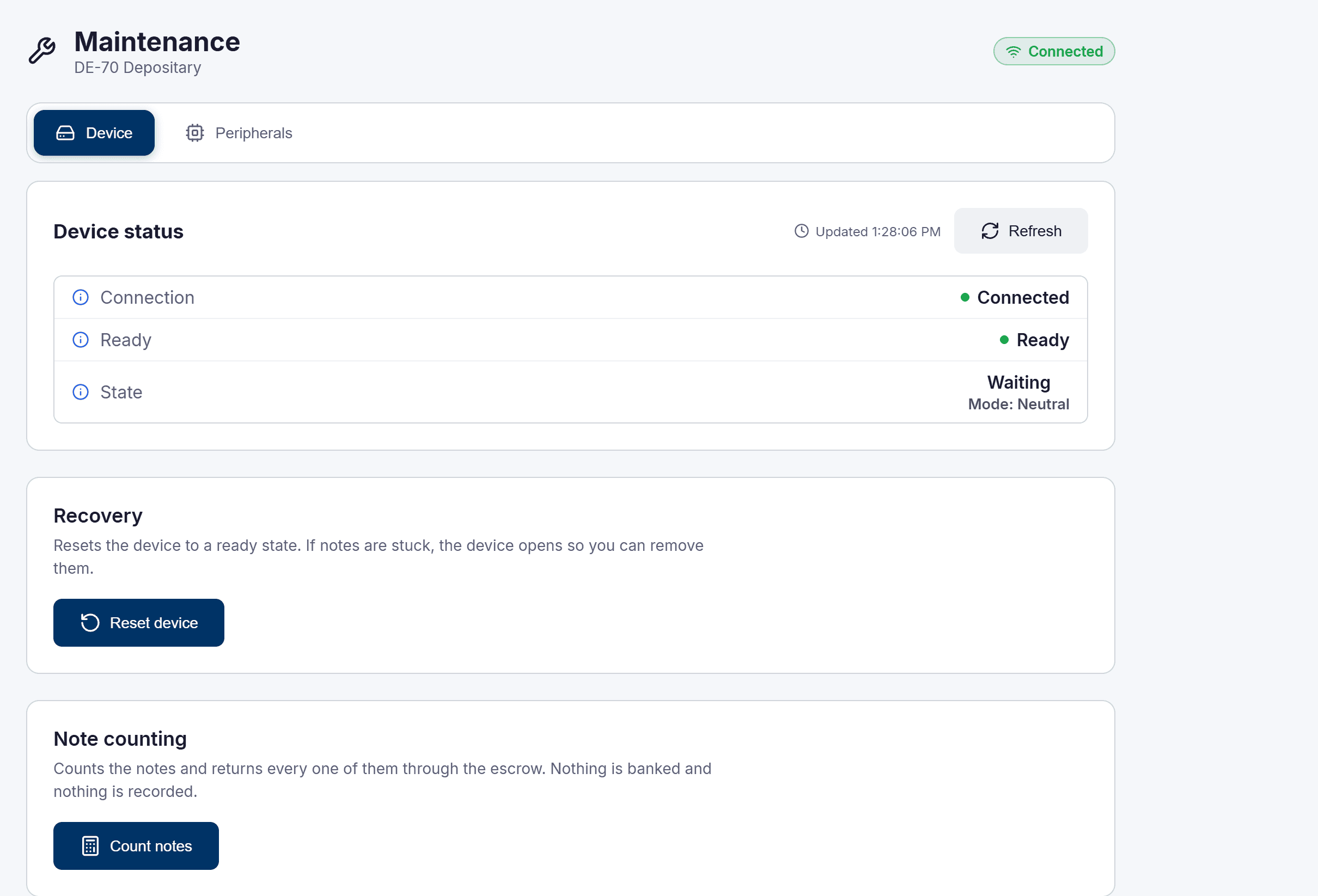
- Device status: the connection, whether the DE-70 is ready, its error and its state. Refresh reads it again.
- Recovery: Reset device puts the DE-70 back in a ready state. If notes are stuck, it asks you to take them out (or put them back), as during a deposit.
- Last error reported by the device, only when there is one: the error, when it happened, and the DE-70's own guide to clear it.
- Note counting: see below.
- Peripherals: if the safe has peripherals, a second tab shows their state and their tests.
Note counting
Counts notes without depositing them: useful to check a bundle, or to test the DE-70. Nothing is stored and nothing is recorded.
On the Maintenance screen, tap Count notes. Read Read this before you start, tick the box and tap Understood, continue.
Tap Start counting and put the notes in the feeder. The screen adds them up.
If the escrow fills up, take the notes out and tap Empty the escrow and continue: the count carries on.
Tap End and return. The notes come back through the escrow: take them. If you want, tap Print count slip: it is not a deposit receipt.