
Payment
Charging a customer with the Cash Infinity, the change it gives back, and the change it still owes.
Payment charges a customer: the operator types what the customer owes, the customer puts the money in, and the machine gives back the change by itself. In a new installation, the Administrator and the Manager can take payments.
Take a payment
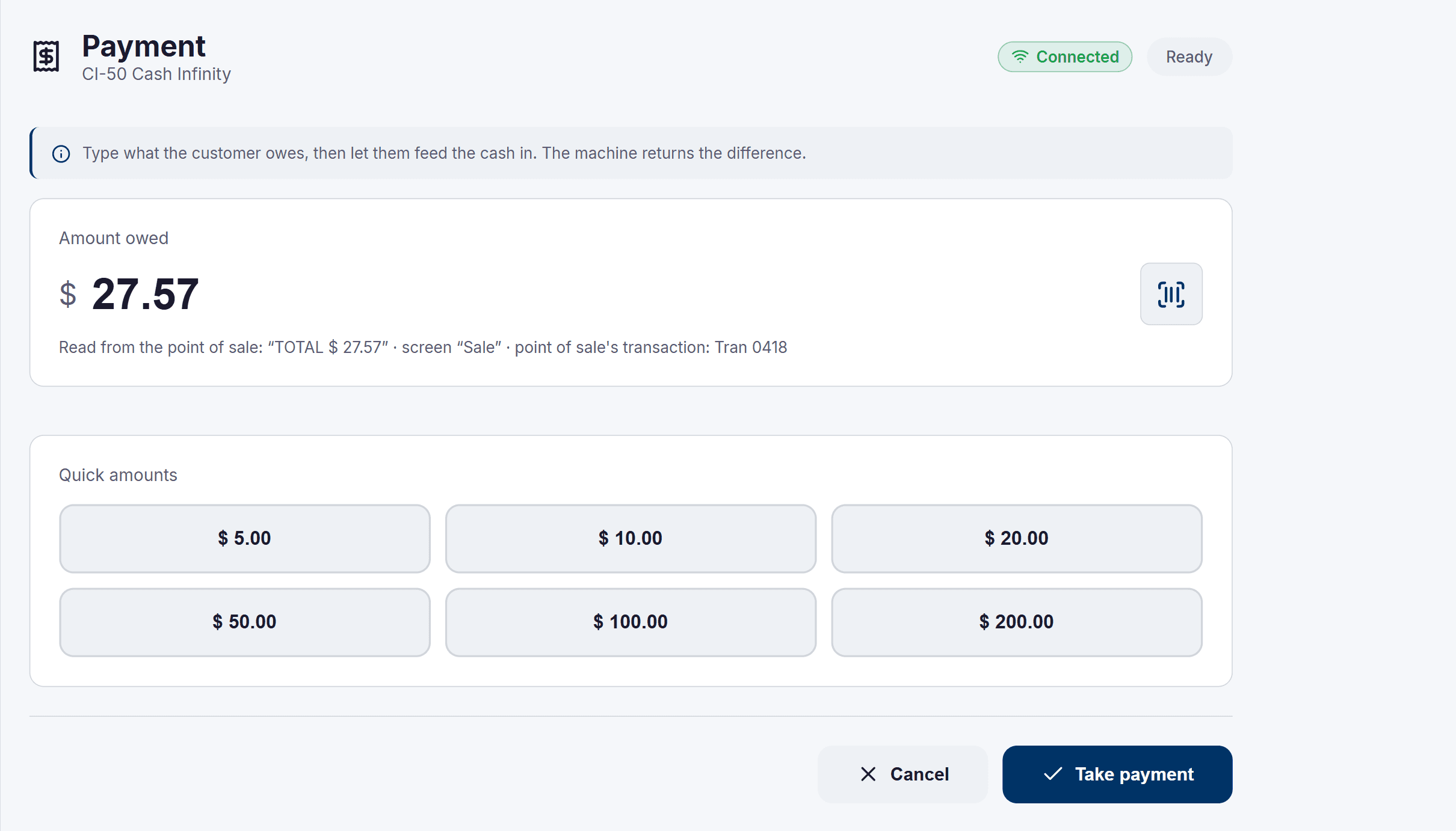
Tap Payment. In Amount owed, type what the customer owes, or tap one of the Quick amounts.
Tap Take payment. The screen shows "Waiting for the customer to pay …" and, as the money goes in, Taken so far.
The customer puts the notes and coins in the entrances. When the amount is covered, the machine gives the change through the outlet and closes the payment on its own.
The customer takes the change. The receipt prints: what was owed, what came in, the change returned and what the safe kept.
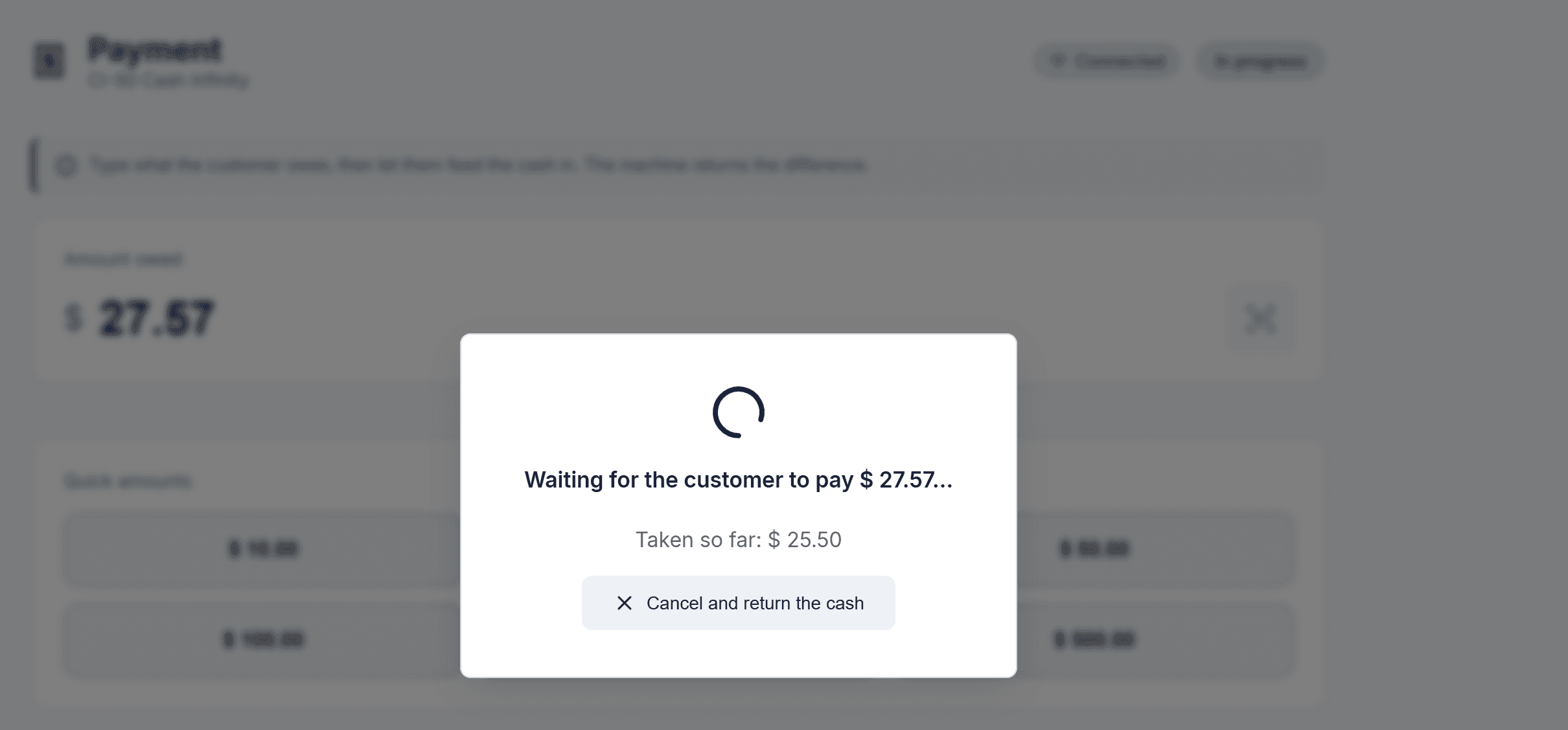
Cancel and return the cash, while waiting, cancels the payment and gives back what came in.
The amount from the point of sale
If the OCR is set up, the Read the amount from the point of sale button, at the end of Amount owed, fills in the amount from the POS screen. The line under the field says what was read. Compare it with the POS screen before you tap Take payment. While it reads, the screen and the menu wait: a tap shows "Reading the amount on the point of sale's screen — please wait a moment."
- With several screens, a POS screen meant for a withdrawal fills in nothing: "The point of sale's screen shows “Cash withdrawal”, which is a withdrawal. Use the Withdraw screen."
- If the screen has transaction numbers, a POS sale already charged in the last 24 hours is not charged again.
- With one screen, if the amount read is negative, the screen asks whether the POS really shows a negative amount: Yes, convert charges it as positive, No, discard it ignores the reading.
Change owed
If the machine cannot give back all the change (its recyclers do not have the notes and coins for it), the payment ends with what it could give, and the rest is recorded as owed to the customer: "… is owed to the customer and was recorded as a pending payout".
- The home screen shows Change owed, with the amount.
- The Payment screen shows the debt first (Change owed, "From" the payment's reference) and takes no new payment until it is paid.
- Pay now pays it: choose the notes and coins to hand over (Selected: … of …). If the machine can only pay part, Pay what it can leaves the rest owed.
If the machine stops
The screen shows Device fault: "The payment stopped where it was". The button becomes Stop and call for help: it prints an INCIDENT NOTICE (which is not a receipt), keeps the payment open and holds the machine. A person with permission resets it on the Maintenance screen and closes it in Reconciliation